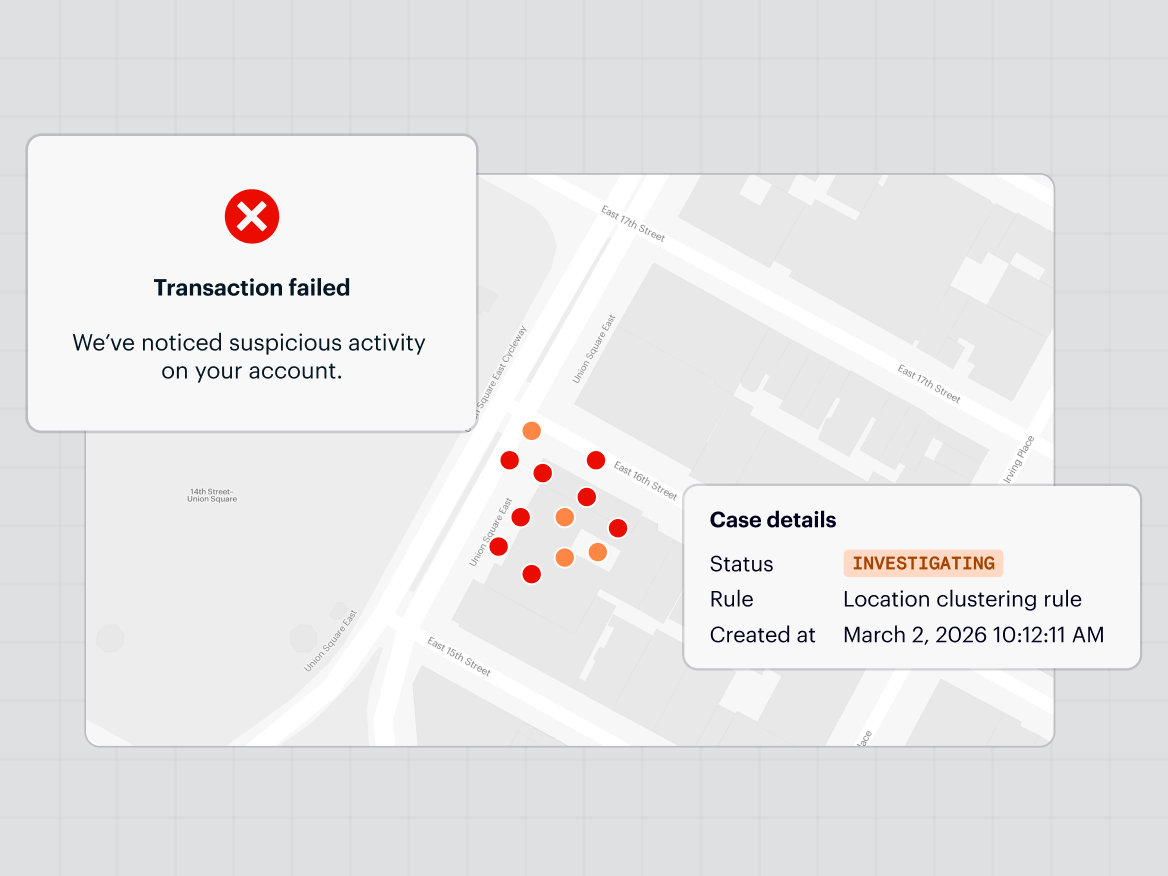
You pick a mapping SDK once and live with it for years. Ripping one out later means touching checkout, onboarding, store locators, and every screen that renders a pin, so the decision tends to outlast the engineers who made it. In this piece we’ll walk through the criteria that separate one location mapping API from another, roughly in the order they break a decision.
If you’re building mobile apps where location is part of what the product does rather than a marketing extra, this is for you. Think a rideshare app routing a driver to a pickup, a retail app showing the nearest store, or a delivery app validating an address at checkout.
Those apps put far more weight on the SDK than a static "find us" page does, and a weak SDK shows its limits quickly under that kind of load.
What a mapping SDK actually includes
A mapping SDK bundles the client-side libraries you embed in your app and the APIs behind them. That means:
- Base maps for rendering
- Geocoding to turn addresses into coordinates and back
- Autocomplete and address validation for input fields
- Routing for distance and directions
- Place and POI search for store locators and nearby results
However, it's worth separating two things that get used interchangeably.
- The SDK is the client library that runs in your app.
- The platform is the infrastructure behind it that serves the data.
Some vendors sell these as separate metered products you assemble yourself. Others bundle them into one platform. That split matters later, because stitching together a base map from one vendor, geocoding from another, and routing from a third becomes both a cost question and a maintenance question.
The seven criteria that actually decide it
Most SDK comparisons drown in feature checklists. In practice, seven things decide it: geocoding and address accuracy, mobile platform support, privacy and data rights, pricing model, developer experience, coverage, and scale. The rest is detail that sorts itself out once those are settled.
1. Geocoding and address accuracy
For a mapping SDK, accuracy means one thing: does the address a user types resolve to the right point on the map. That breaks into a few things worth testing separately.
- Forward geocoding precision (does "123 Main St" land on the rooftop or halfway down the block)
- Reverse geocoding (do coordinates return the right address, not just the right block)
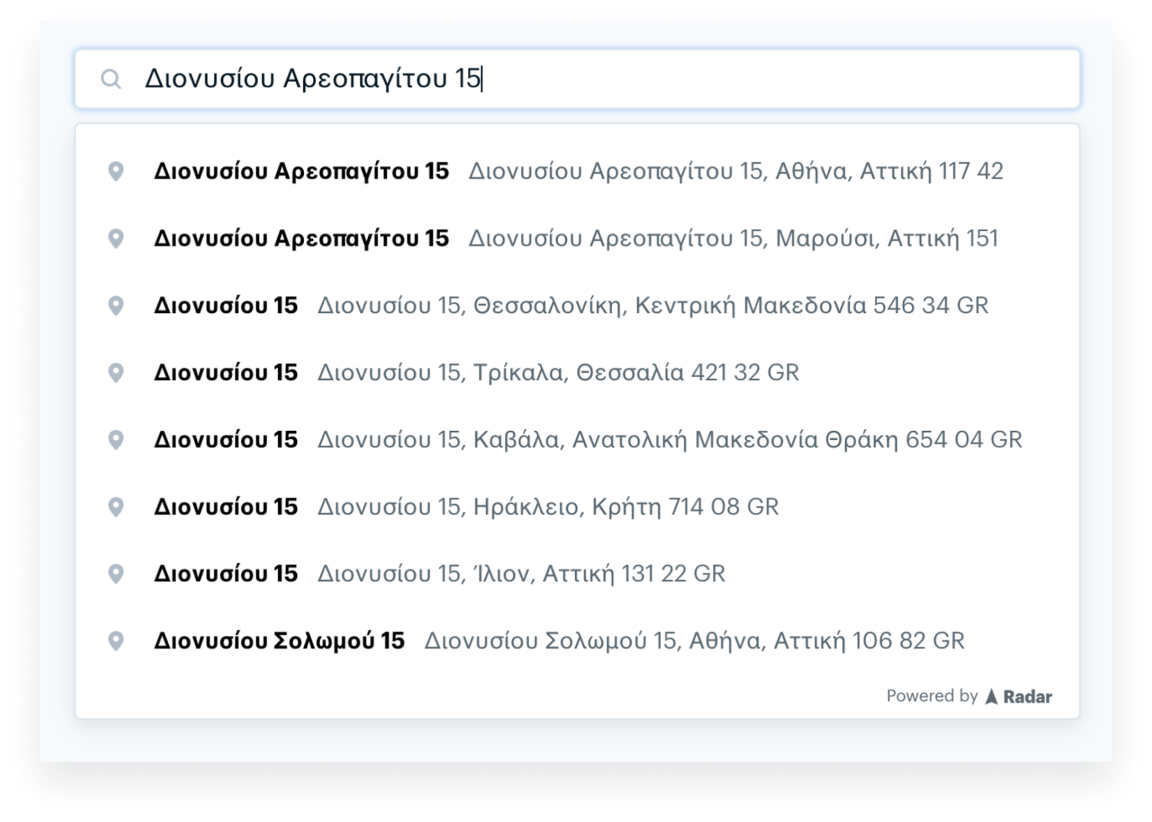
- Autocomplete quality (how few keystrokes it takes to surface the right result, and whether it survives typos, unit numbers, and PO boxes)
- Address validation (whether a bad address gets caught at entry instead of at fulfillment)
- Base map and POI freshness (new construction, closed locations, changed road networks)
Vendors rarely publish accuracy numbers, and when they do, the benchmark dataset tends to flatter them. Test with your own data instead. Pull a few thousand real addresses from your database, run them through each vendor, and compare. The failure cases matter more than the average: rural addresses, new developments, and anything outside your home market.
Radar offers forward, reverse, and IP geocoding, autocomplete, and address validation.
One thing worth separating: if your app needs to know where the device is, not just where an address is, that’s a location tracking problem rather than a mapping one, and it’s usually a different SDK. Signal fusion across GPS, Wi-Fi, IP, and sensors, background tracking, and battery behavior all live on that side of the stack. Radar handles it with a separate geofencing SDK, and running both on one platform is a real reason teams consolidate. Just don’t evaluate a maps vendor on tracking accuracy, or the reverse.

2. Mobile platform support and SDK quality
A mapping SDK is only as good as its native iOS and Android libraries, because that's where battery drain, permission prompts, and OS changes actually land. A web SDK that's excellent tells you little about how the mobile build behaves on a three-year-old Android phone.
Three things age a mobile project faster than anything else:
- How the SDK keeps up with iOS and Android permission model changes
- How it handles background location
- How much battery it costs you
Ask about all three before you commit. Open-source SDKs help here, since your team can read the code and debug a problem without waiting on a support ticket.
Radar's SDKs are open source, as are the SDKs from several other vendors, so this isn't unique to any one option, but the closed ones are worth a second look before you depend on them.
3. Privacy and data rights
Privacy now covers two separate things, and teams often check the first and miss the second. The first is how the SDK handles user location data. The second is what you're contractually allowed to do with the results you pay for. Some geocoding terms forbid storing or exporting the coordinates you get back, which quietly locks you into re-querying the same vendor forever.
The compliance baseline most developers ask about is SOC 2 and GDPR. Get that in writing. Then read the data-rights terms specifically, because the right to store, reuse, and export geocoding results is a real differentiator rather than boilerplate, and it's where the major platforms differ most. Radar grants the right to store, reuse, and export geocoding results, and is SOC 2 and GDPR compliant. Whatever you choose, read the actual terms rather than the marketing page.
Radar has a privacy center where you can see dedicated resources, compliance standards, subprocessors, the data that gets collected, and more.
4. Pricing model and total cost
The per-request rate matters less than the pricing model. Metered map loads, plus separately metered geocoding, plus separately metered routing, is where the monthly bill surprises teams that only compared headline rates. Estimate your real cost from projected map loads and API requests across every product you'll use, not from the cheapest line item.
This is also where Google Maps alternatives come up. Google Maps is the default for good reasons. Its data and global coverage are hard to beat, and for plenty of teams the cost is worth paying. The honest reasons to look elsewhere are narrower than the internet suggests: cost at scale, and data portability. If neither bites you, the default may be fine.
Published starting rates at 100K monthly map loads or API requests:
These are starting list figures. Enterprise pricing is negotiated, and volume discounts change the math, so price your own usage rather than trusting a published rate.
Teams switching off Google or Mapbox tend to consolidate maps, geocoding, and routing onto one platform like Radar, and cut their bill in the process.
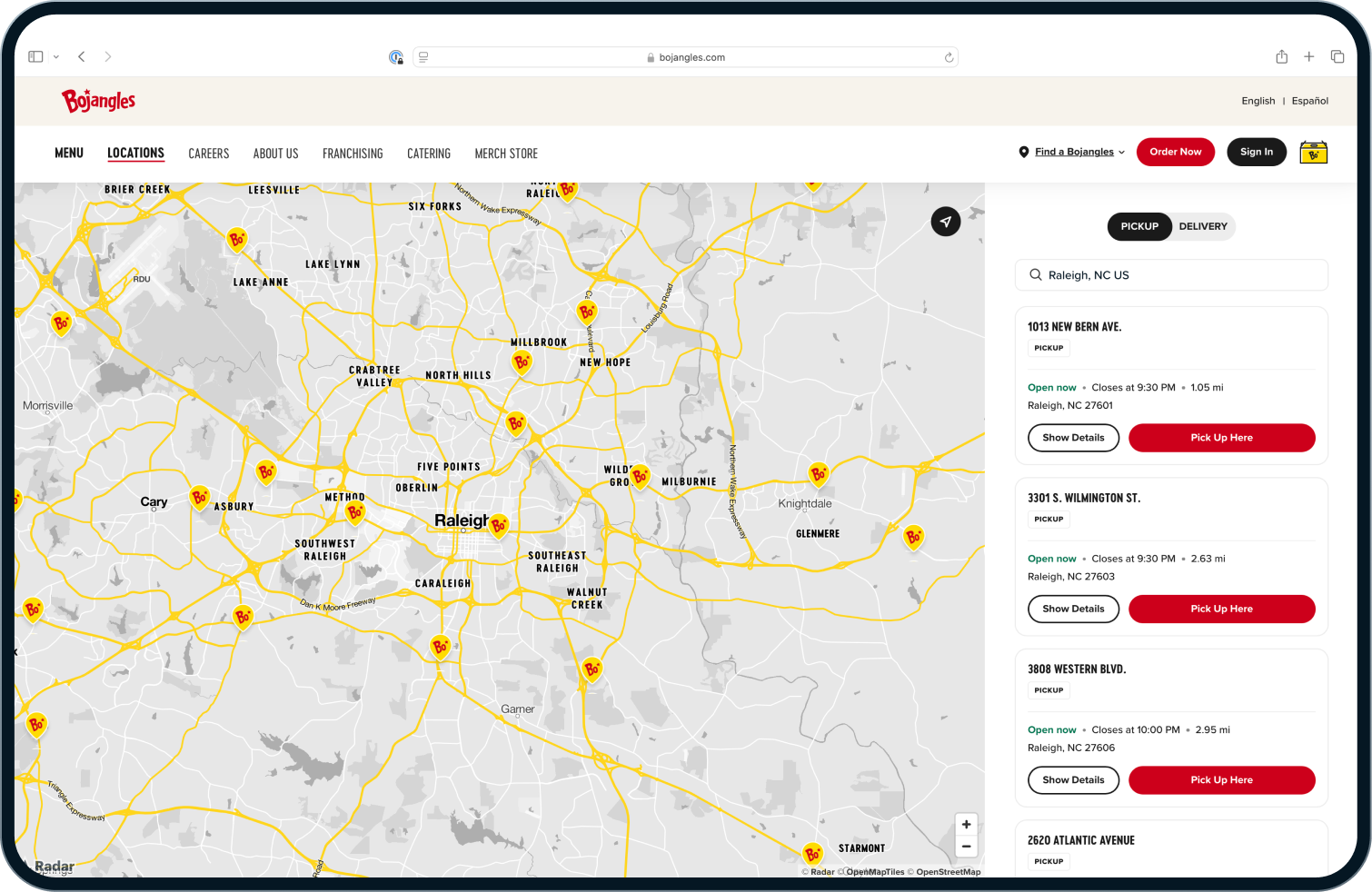
Enterprise QSRs like Bojangles saved 60% in costs switching to Radar from Google Maps. The APIs are also simple to use and easy to integrate to both their web and mobile app.
5. Developer experience and time to integrate
Integration speed is a real line item, even though it never shows up on a pricing page. It lives in documentation quality, SDK ergonomics, and migration tooling. A team that ships in a sprint instead of a quarter is the difference between assigning one engineer and tying up three.
Migration tooling is the part teams underrate. Moving an existing client-side Google Maps implementation can mean rewriting every map call, or it can mean a near drop-in replacement, depending on whether the vendor built for it.
Radar offers a maps migration SDK that moves many client-side Google Maps implementations over with a single line of code.
Give Google and Mapbox their due here too: the community surface area is enormous, and being able to paste an error into a search bar and find ten people who hit the same wall is its own form of developer experience.
6. Global coverage
Coverage is the criterion teams over-weight for domestic apps and under-weight for international ones. If your users are all in the US, most major vendors will serve you well and coverage shouldn't drive the decision. The moment you cross borders, it should.
Coverage comes from data, and most platforms blend open datasets like OpenStreetMap with commercial ones to fill gaps. Accuracy and freshness are strongest in mature markets across nearly every vendor, and international quality varies more than the coverage maps imply, so test your actual target countries rather than trusting a green checkmark on a feature grid. Radar combines open and commercial datasets for coverage across countries.
7. Scale and reliability
Uptime and throughput only matter once you're in production, which is exactly why they're expensive to discover late. A mapping SDK that's perfect in a prototype can fall over under real traffic, and you find out during a launch.
Ask any vendor for three numbers: requests per day they actually handle, how many devices their SDKs are installed on, and a public status page with real uptime history rather than a marketing claim. For reference, Radar processes over 1 billion API requests per day, runs on more than 300 million installed devices, maintains 99.99%+ uptime, and publishes a public status page. Demand that level of evidence from whoever you're evaluating.
A short decision shortcut
If you’re domestic, running low volume, and already deep in the Google ecosystem, staying put is often the rational call and you can stop reading. The case to move gets strong when maps cost is climbing month over month, when you need to store and export your own geocoding results, or when location sits in the core product and you’d benefit from running geofencing on the same stack as your maps.
The best SDK is the one that fits your volume, your markets, and your privacy obligations, which means the right answer is genuinely different for a domestic retail app than for a gig platform operating in twenty countries.
Where Radar fits
Radar is full-stack location infrastructure: base maps, geocoding, autocomplete, address validation, and routing in one platform, with open-source mobile SDKs, the right to store and export your geocoding results, and the option to run geofencing on the same stack. Teams like DICK'S, Inspire Brands, Crunch Fitness, Pizza Hut, and hundreds of enterprises run location-critical work on it. If you're weighing the criteria above and cost, data portability, or consolidation are driving your search, it's worth a look.
Frequently asked questions
What is a location mapping API?
A location mapping API is a service that turns location data into something an app can use: converting addresses to coordinates and back, rendering maps, suggesting and validating addresses, and calculating routes. Most are delivered through a mapping SDK that wraps the API for mobile and web apps.
What’s the difference between a mapping SDK and a maps API?
The maps API is the service that returns the data. The mapping SDK is the client-side library you embed in your app to call that service and render the results. One vendor often provides both, and the SDK handles the device-level work like permissions and rendering that a raw API does not.
How accurate is geocoding?
Accuracy varies by market and address type. Precision is generally strongest for standard addresses in mature markets, and drops for rural routes, new construction, and complex addresses like apartment buildings and campuses. Vendor benchmarks are hard to compare directly, so test a sample of your own addresses and look at the worst cases rather than the average.
Do I need a separate SDK for location tracking and geofencing?
Usually yes. A mapping SDK renders maps and resolves addresses. Tracking a device’s location in the background, detecting arrivals, and triggering on geofences is a different capability with different battery and permission tradeoffs. Some vendors, including Radar, offer both on one platform, which cuts down on vendor stitching if you need both.
What are the best Google Maps alternatives for mobile apps?
Common alternatives include Mapbox and Radar. The main reasons teams move off Google Maps are cost at scale and data portability, including the right to store and export geocoding results. For domestic, lower-volume apps, Google Maps is often still the practical choice.
How is mapping SDK pricing calculated?
Pricing is usually metered per 1,000 map loads or per 1,000 API requests, with geocoding, routing, and base maps billed separately. The model matters more than any single rate, so estimate cost from projected usage across every API you’ll use rather than comparing headline prices.
Can I store and export geocoding results?
It depends on the vendor’s terms. Some geocoding licenses prohibit storing or exporting results, which keeps you re-querying the same provider. Others, including Radar, grant the right to store, reuse, and export results freely. Check this before you build, because it’s hard to unwind later.